打开 HTMLOpen HTML
拖入 `.html`、`.htm`、`.xhtml`、`.aislide` 或 AI 工作流产生的结构化项目文件。
Drag in `.html`, `.htm`, `.xhtml`, `.aislide`, or structured project files produced by an AI workflow.
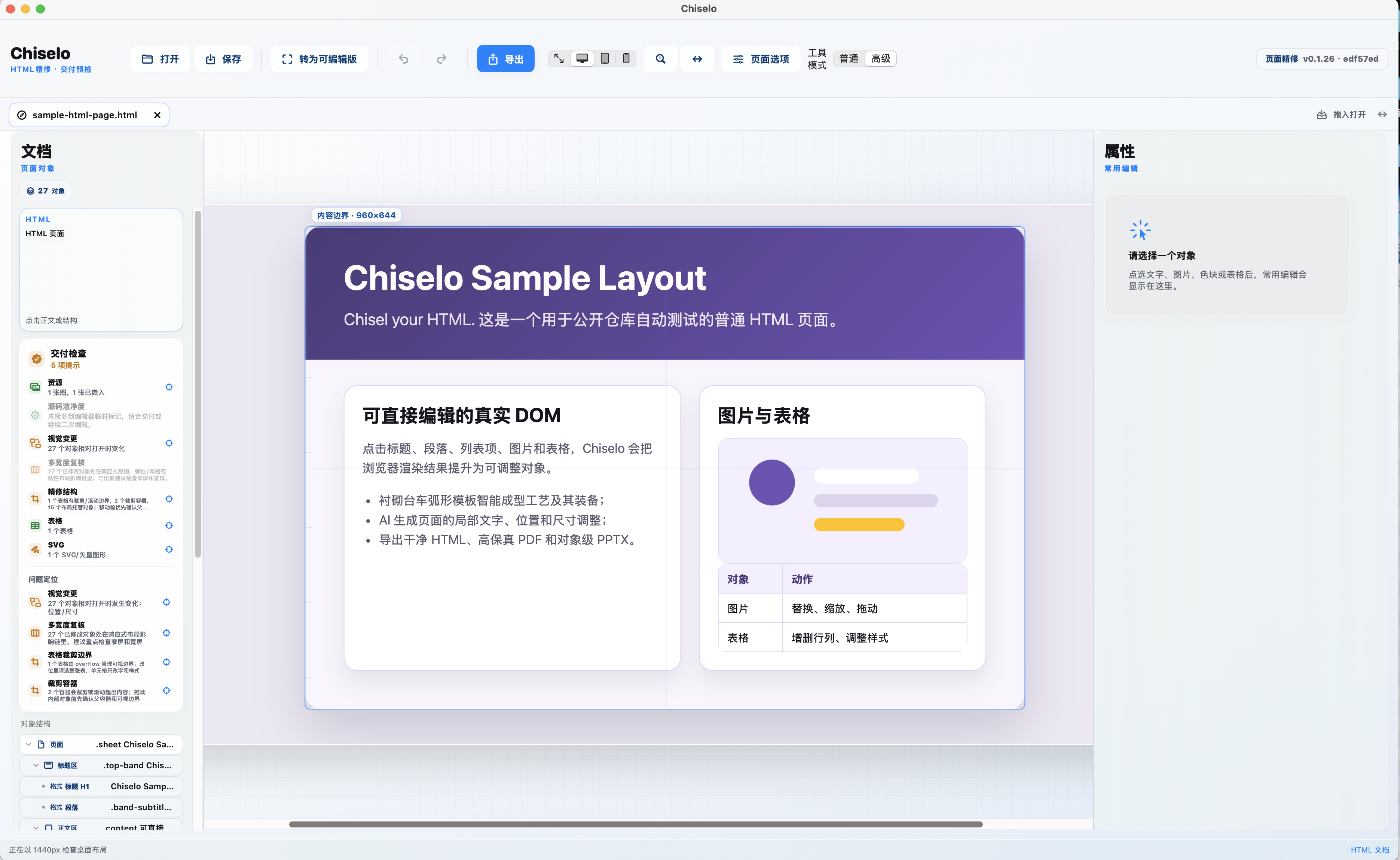
Chiselo 在 macOS 上直接打开已有页面或 AI 产物。点选渲染后的文字、图片、表格和模块,做局部修改;不新建 HTML,其他元素不漂移、不抖动。
Chiselo opens existing pages and AI output directly on macOS. Select rendered text, images, tables, and modules for local edits; it does not create new HTML, and unrelated elements stay stable.
当前版本为 0.1.27。下载 macOS 磁盘镜像不需要 GitHub 账号;发布包已签名,并附带 Sparkle 增量更新信息。
Current version: 0.1.27. You do not need a GitHub account to download the macOS disk image; the signed package includes Sparkle incremental update metadata.
Chiselo 不新建 HTML,也不替代完整 IDE。它专注于既有 HTML 的视觉修改:一个元素的改动不会带动其他元素。
Chiselo does not create HTML or replace a full IDE. It focuses on precise edits to existing HTML without moving unrelated elements.
拖入 `.html`、`.htm`、`.xhtml`、`.aislide` 或 AI 工作流产生的结构化项目文件。
Drag in `.html`, `.htm`, `.xhtml`, `.aislide`, or structured project files produced by an AI workflow.
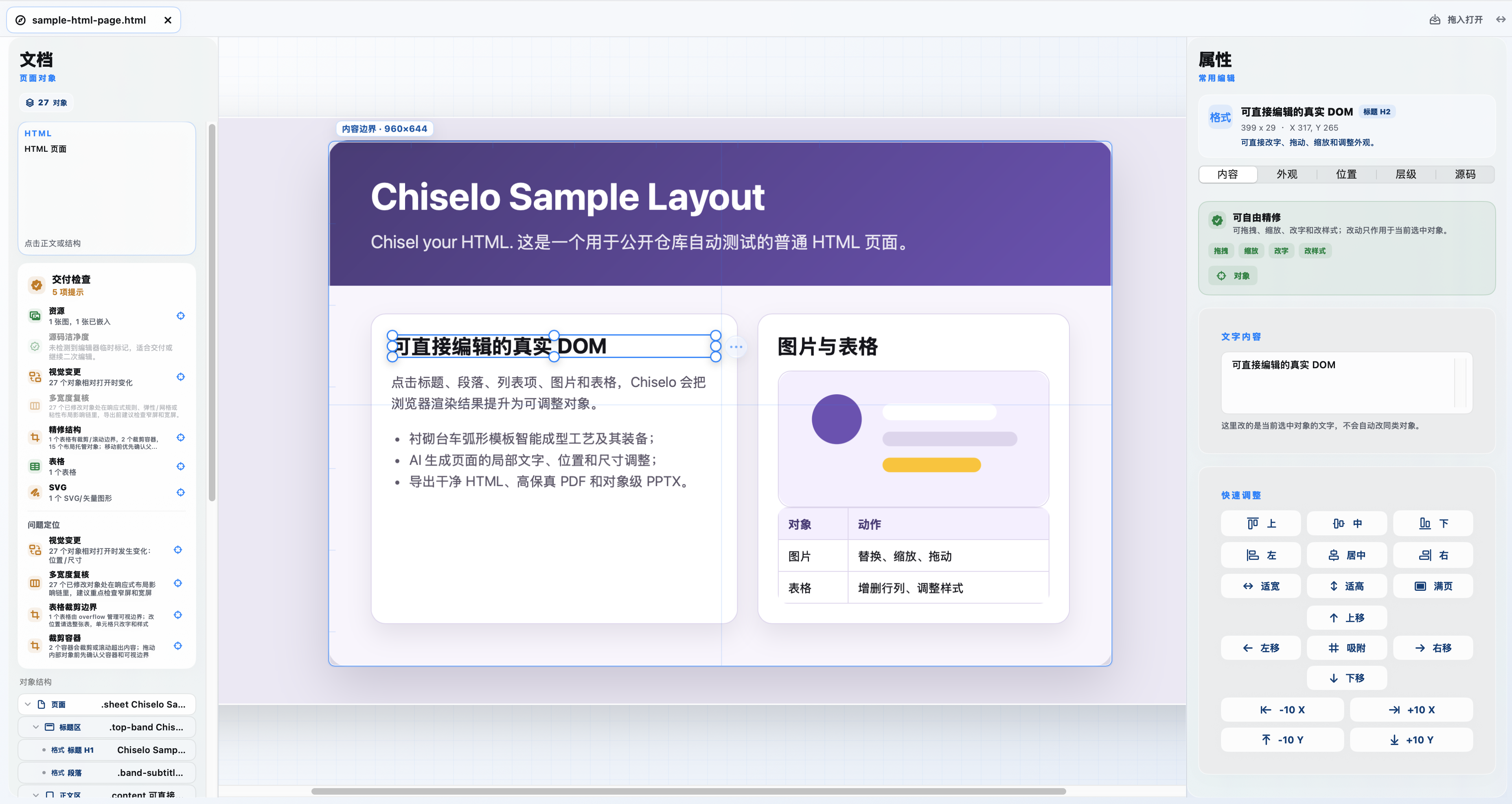
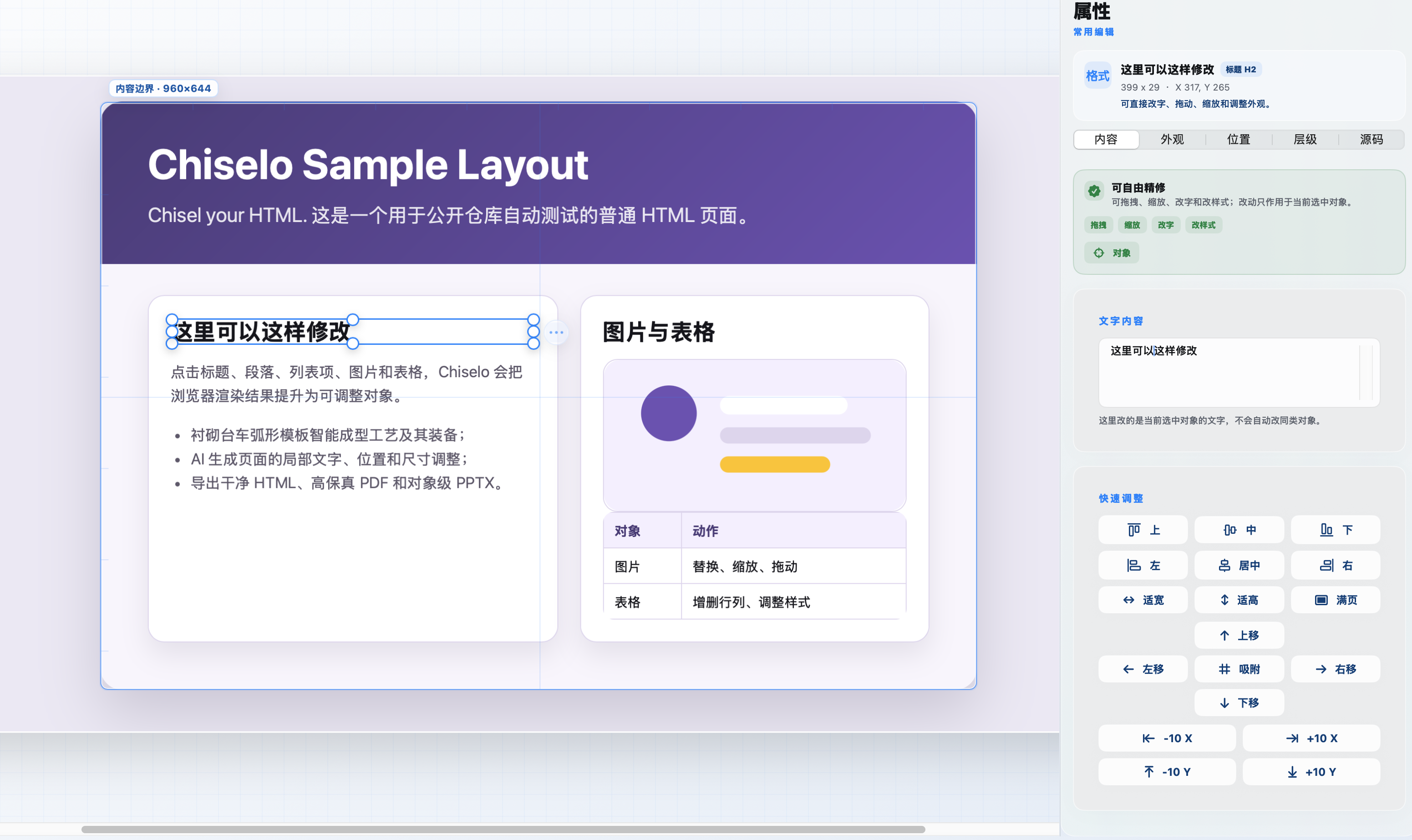
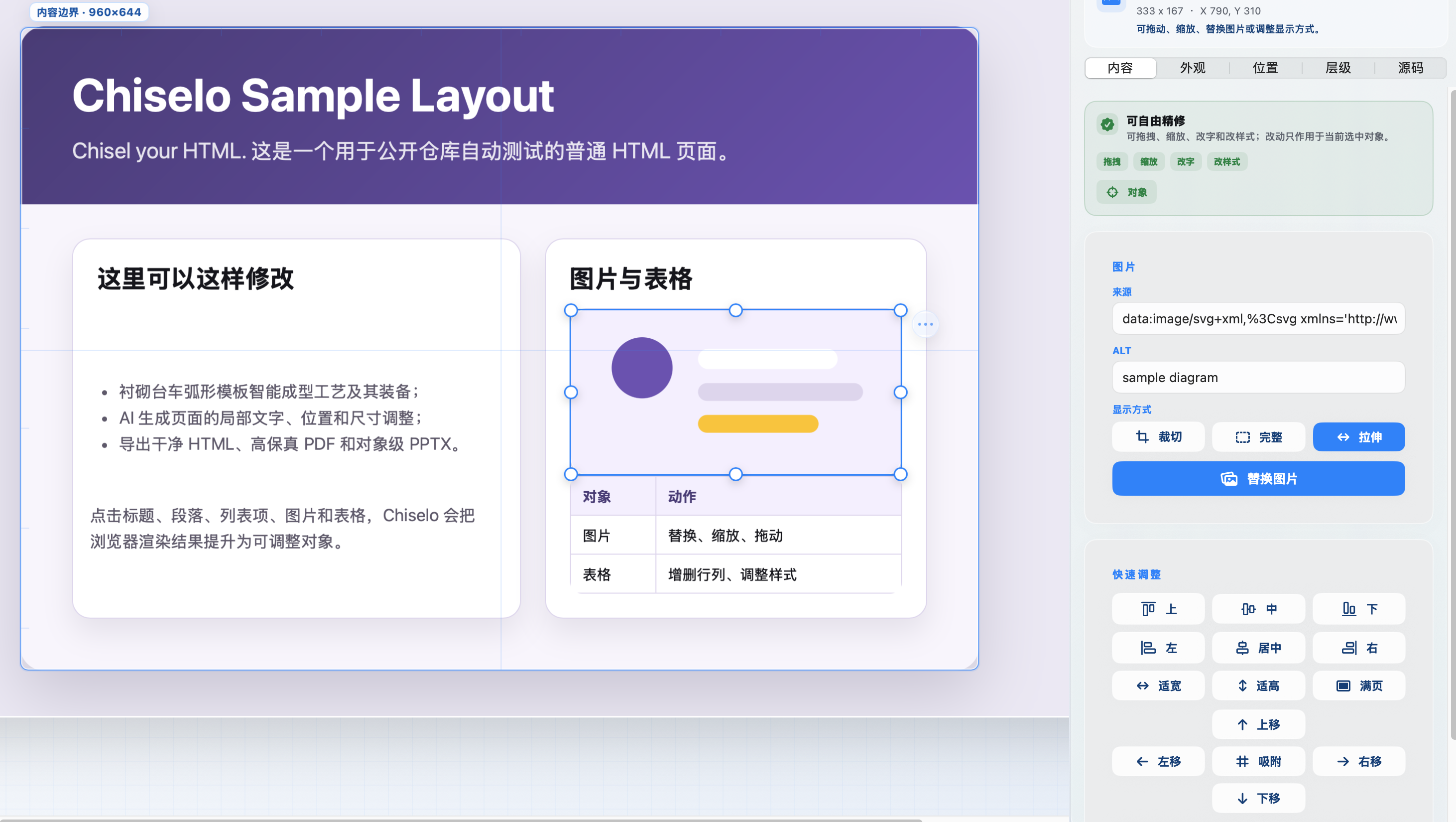
选择真实 DOM 元素,双击文字,调整颜色、图片、表格和局部版式。输入时选框和画布锁定,不漂移、不抖动;图片也可直接替换。
Select real DOM elements, double-click text, and adjust color, images, tables, and local layout. Text input locks the frame and canvas, while images can be replaced directly.
检查资源、文本溢出、越界和视觉变化,再安全保存 HTML,或导出 PDF、PPTX。
Check resources, text overflow, bounds, and visual changes, then save HTML safely or export PDF and PPTX.
从主页面到属性检查,再到稳定打字和图片替换,所有操作都作用于当前 HTML 对象。
From the editor home to object inspection, stable typing, and image replacement, every action stays local to the current HTML object.
Chiselo 不把页面拆成另一套专有项目格式。静态页面和常规 AI HTML 可以在原有结构上精修,未选中的区域保持原样。
Chiselo does not turn a page into a proprietary project format. Static pages and conventional AI HTML can be refined in their existing structure while unselected areas stay unchanged.
Chiselo 已适合静态页面和常规 AI HTML。复杂脚本、跨域资源、动画与动态应用需要可信兼容模式,并在保存前复核结果。
Chiselo is ready for static pages and conventional AI HTML. Complex scripts, cross-origin resources, animation, and dynamic applications require trusted compatibility mode and a final review before saving.